 |    | |
|
|

| ||
| How-to Resources | |
Free Application Downloads | ||
| |
Application Downloads
These are examples to introduce you to construction techniques, to data handling conventions, and to the dialogs and controls that you have available. You can also use them to give you a speedy start in creating your own website, and data centric web applications.
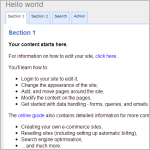
These are demonstration applications that you download and install on your own clearString neatComponents server except for 'A first site'.
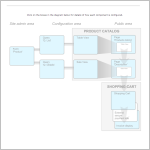
This example demo app (shown right) is included with your primary download, so when you have finished installing it is already there - ready to use. We strongly recommend following through the 'A first site' tutorial to become familiar with the system.
You must be running your own instance of neatComponents - available for free here - you cannot import these examples into the Cloud trial.
We do offer the 'Professional' as an alternate Cloud instance - available here...
Applications are created using 'data objects', 'supporting objects' and 'controls' embedded on 'pages' for display - all these items together are called 'Components'. Some components are used for display purposes, but most are used for manipulating the flow of data through the application. In order to make components available for use in your application you must drag them into the 'Web Site', and then configure them.
As the platform is all about making data available across the Internet, you'll see that they use a site-tree convention to provide a logical framework for construction.
|
|
|
|
|
|

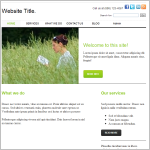

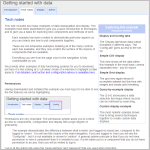
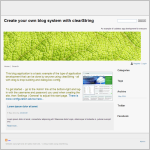

Select your demo from the menu to the right, download the app and get started....
Developing your own data based Web Applications
You will find lots of information on how to create your own applications in Data Integration in the Documentation section of Support, plus we provide detailed annotated Data Examples as part of the series of demo applications.
Additional Resources |
| FREE Application Downloads |
Copyright © 2026 Enstar Systems Inc. All rights reserved |